In ChatGPT, Claude or Grok
Create your directory.
For your group, like a church, a synagogue, a book club, an email group or a school.
Connect Openbook to the app you already use, then hand it a spreadsheet, a photo of the printed list, or your email. It builds the directory, and everyone gets it in the Contacts app on their phone, with nothing to download on iPhone, iPad or Mac.
- Add Openbook to ChatGPT.
ChatGPT opens with a message that walks you through adding Openbook as a custom MCP server, then you sign in to Openbook.
Open ChatGPT - Ask it to create your directory.
Attach a spreadsheet or a photo of the list, or let it read your email. It shows you everyone it found before it adds anyone.
Use Openbook to create our directory. First call my_access. I’ll give you what I have: a spreadsheet, a photo of our list, or emails you can read, like our Google Group, our groups.io list or our book club’s thread. Find everyone’s name, mobile number and email, and ask me what to call the groups and what everyone in them should see. Show me the list before you add anyone, and once I say yes, create the directory and its groups in Openbook and add everyone. Then tell me how they get it on their phones.
- Add Openbook to Claude.
Claude’s Add custom connector form opens with Openbook filled in. Choose Add, then Connect, and sign in to Openbook. Every plan can, Free included.
Add to Claude - Ask it to create your directory.
Attach a spreadsheet or a photo of the list, or let it read your email. It shows you everyone it found before it adds anyone.
Use Openbook to create our directory. First call my_access. I’ll give you what I have: a spreadsheet, a photo of our list, or emails you can read, like our Google Group, our groups.io list or our book club’s thread. Find everyone’s name, mobile number and email, and ask me what to call the groups and what everyone in them should see. Show me the list before you add anyone, and once I say yes, create the directory and its groups in Openbook and add everyone. Then tell me how they get it on their phones.
- Add Openbook to Grok.
Choose New Connector, then Custom, name it Openbook and paste the address below. Then connect it and sign in to Openbook.
Open Grok’s connectors - Ask it to create your directory.
Attach a spreadsheet or a photo of the list, or let it read your email. It shows you everyone it found before it adds anyone.
Use Openbook to create our directory. First call my_access. I’ll give you what I have: a spreadsheet, a photo of our list, or emails you can read, like our Google Group, our groups.io list or our book club’s thread. Find everyone’s name, mobile number and email, and ask me what to call the groups and what everyone in them should see. Show me the list before you add anyone, and once I say yes, create the directory and its groups in Openbook and add everyone. Then tell me how they get it on their phones.
https://api.withopenbook.com/mcpGot an invite? Join the group in a minute.
Connect your app.ChatGPT, Claude or Grok adds Openbook in a minute, and can do only what you can do.
Give it what you have.A spreadsheet, a photo of the list, or the emails from your Google Group, groups.io list or book club.
On everyone’s phone.Share the group’s QR code, and your directory is in Contacts on every phone, up to date by itself.
Private by design.Nobody sees anyone’s own contacts, not even the people who run the group.
What to give it
Start from what you already have.
Your app reads what you hand it, with the access you gave it, and Openbook gets only the contacts you say yes to, never your inbox.
Attach the roster you already keep, a CSV, an Excel file or a Google Sheet. It reads the columns, puts each person in the right group, and asks what everyone should see.
Founding Member
Be the first to bring your email group, your community or your church.
Bring the Google Group, groups.io group or mailing list your people already use. When 5 people join the group you make from it, and it’s the first from that email group to get there, your QR Card becomes a Founding Member card in Black Gold: your photo, with your code in polished gold on a black tile in its corner. Only 1,000 will ever exist.
- Connect ChatGPT, Claude or Grok.
Add Openbook to the app you use with Create your directory, at the top of this page. It takes a minute.
- Ask it to bring your email group.
Name the list’s address, like maplecourt@groups.io. It reads the list’s emails with its own access (Openbook never reads anyone’s email) and finds everyone who posted, with the name and email they sent from and any number in their own signature. It asks whether to make a directory of its own, which you can keep Only in search on your phone, or a group of your own in Personal, and checks with you before it adds anyone.
- Post its link to the email group.
Send the group’s link to the list yourself, or share its QR code. People join with their mobile number, and the group is in Contacts on their phones.
- Once 5 people join.
If yours is the first group from that email group to get there, your QR Card becomes a Founding Member card. Only 1,000 will ever exist, and when you’re signed in, withopenbook.com is always dark for you.
Nobody can buy one, and yours stays yours for good. Openbook never says whether anyone brought an email group before you.
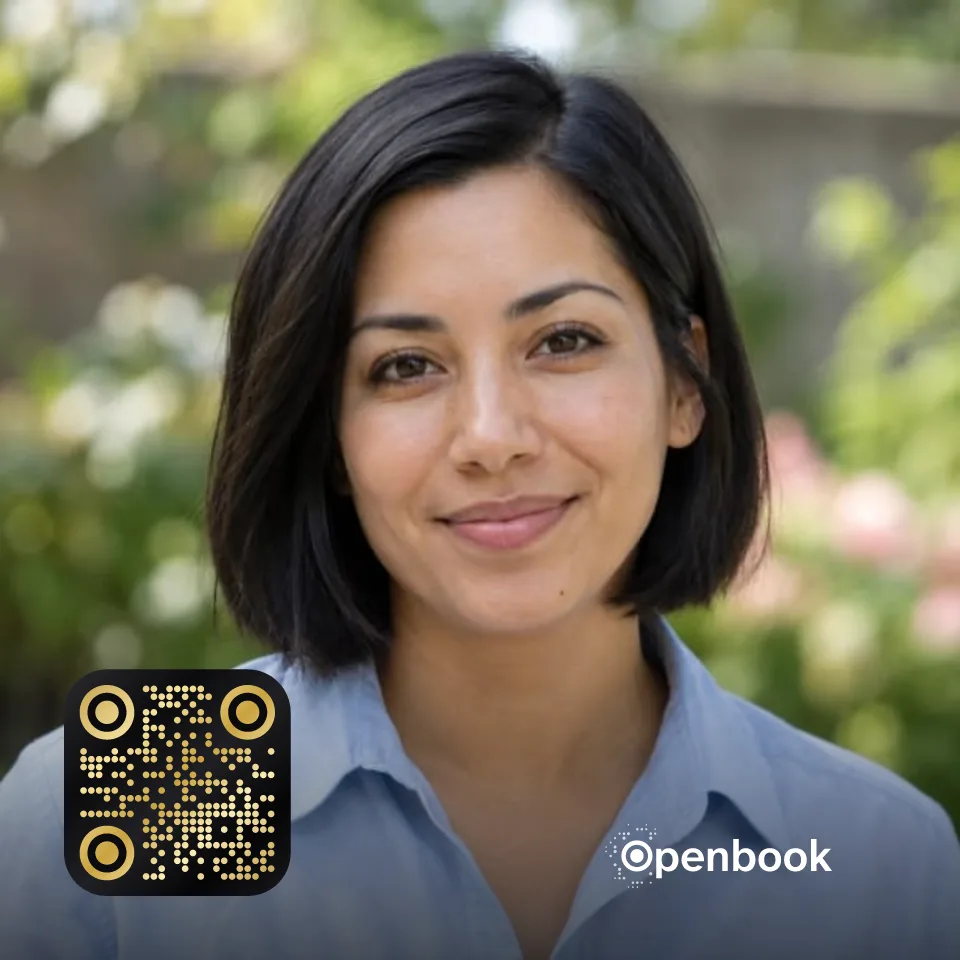
- Bring our groups.io group, maplecourt@groups.io, to Openbook.
- I read the list’s emails through my connection to your Gmail. 46 people have posted, and 29 put a mobile number in their own signature. Should Maple Court be a directory of its own, which you can keep Only in search on your phone, or a group of your own in Personal?
- A directory of its own.
- I’ll create Maple Court with the group Neighbors: 46 contacts, each with the name and email they post from, 29 with a mobile number. Shall I add them?
- Yes.
- Done: Maple Court • Neighbors has 46 contacts. Post its link to the list, or share its QR code. Once 5 people join, if it’s the first group from maplecourt@groups.io to get there, your QR Card becomes a Founding Member card.
Got an invite?
Join a group in a minute.
Someone sent you a link, or showed you a group’s QR code. There’s no app to download on iPhone, iPad or Mac.
- Open the link, or scan the code.
Open the invite you were sent, or point your iPhone’s camera at a group’s QR code, on a card’s photo or someone’s screen.
- Tap Add to iPhone.
Pick Show in Contacts or Only in search, and Openbook downloads a profile in the same tap.
- Install it in Settings.
Tap Profile Downloaded, then Install. The group is in Contacts, and stays up to date by itself.
On an iPad or a Mac, it’s the same.
Find people through contacts
Send your contacts from your iPhone.
Then people you know can help you find anyone, and you can help them. Nobody sees your contacts, and nothing is shared until someone says yes. How it works
- Open Contacts and go to Lists.
Tap ‹ at the top, then hold down on All Contacts.
- Tap Export.
Then tap the check mark.
- Send it with Mail to Openbook.
Type Openbook in To and tap it: Mail finds the address on your Openbook card. Openbook keeps each contact as it is.


